
Files
In the "Files" section you can add any file you like to make the information concerning your order complete. Practically it can be anything: documents, images, DWG Drafts, etc.
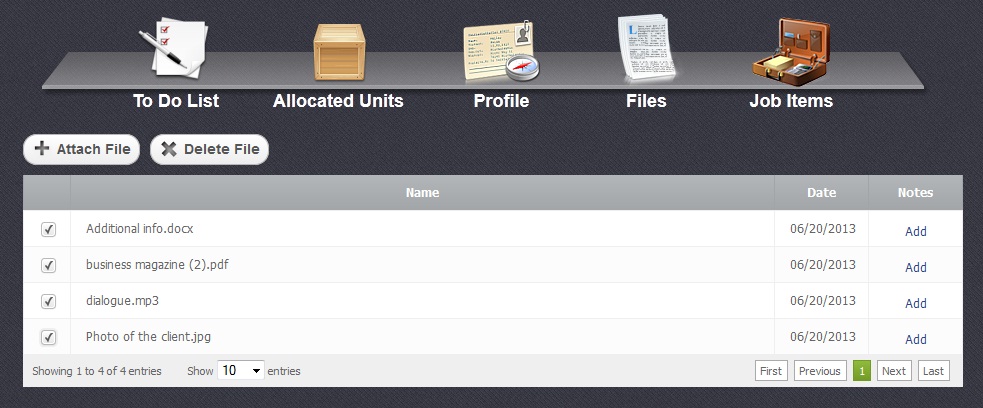
It is very easy to manage the files in this sections.
To add a new file you have to click on "Attach File" button. Seelect a checkbox  oposite the file and clicking on "Delete File" button will remove it. Both cases are shown in the picture below.

Moreover, each line in this menu has "Add" button which gives you a possibility to attach comentaries to files.


