
Access
In this section you can give full or limited access to your employees.
All you have to do is just to select a checkbox  opposite the menu the access to which you wish to be opened or leave the checkbox
  if you wish the access to these menues was closed as it is shown in the picture below.
After you have done all the necessary changes do not forget to click on "Save" button.
if you wish the access to these menues was closed as it is shown in the picture below.
After you have done all the necessary changes do not forget to click on "Save" button.
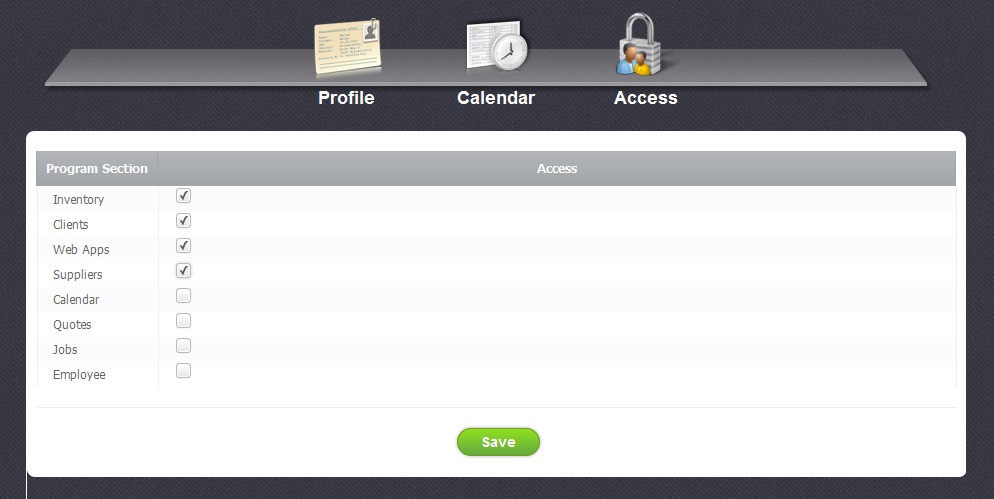
In this menu you are able to give or restrict acess to such sections: Inventory, Clients, Web Apps, Suppliers, Calendar, Quotes, Jobs, Emploees.


