Printing documents
Lots of modules of Easystoneshop have "Print Doc" function. Inventory module is one of them. It can be used for various purposes. For example, with its help you may can print the information about the products you have in stock. It can be: product name, available quantity, origin, etc.
Sending emails and text messages (sms) is not available in this module. The price for printing one document is 0.01 credit. More about the system of credits and prices can be found in the Credits module of the help section.
Before you print a document you first have to make sure you have some templates of this type in "Docs" module of Easystoneshop. If you don't, you have to add them. Please follow to this module, compose a couple of templates and return here to know how to complete the process.
Use help section of the Docs module to get detailed information about how to add templates of documents and edit them before printing.
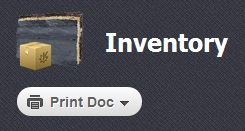
To do that you have to select a checkbox  opposite the product about which the information is required, select one of your templates and click on the "Print Doc" button which is shown in the picture above. Here is how such a document can look like:
Just like it was with messaging, the preview of your document will be shown to you before the printing starts. When you press "Print" button, the system will offer you to choose printing settings.
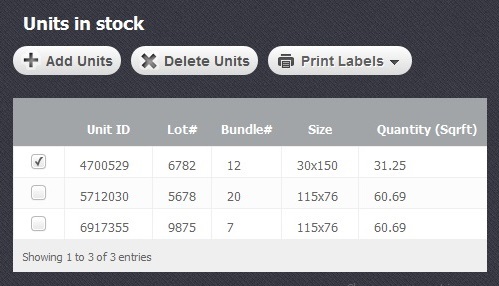
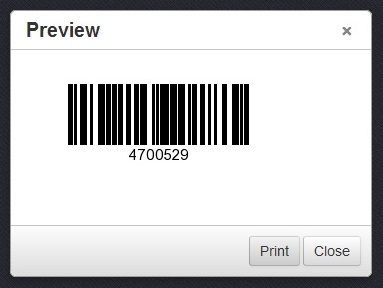
Except "Print doc" function this module as well allows to print labels with barcodes and QR codes. It can be done in "Units in stock" section. There you will have to select a checkbox  opposite the concrete item and click on "Print labels" button. You will see a generated barcode bearing the item ID or your chosen fixed code. Printing labels which contain QR codes is described in Working with labels section of the help module.