To Do List
In this section you can organize time of implementation of your services. With the help of appointed tasks and you will manage to know and to remember exactly what and when the appointed work must be done.
Adding Tasks
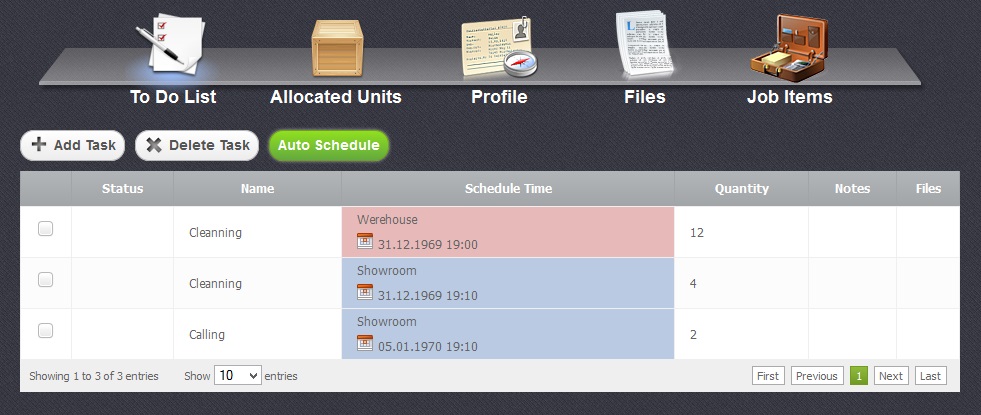
Return to topTo add a new task you have to click on "Add Task" button. In a window that appeared you should fill in the empty fields with task's name and quantity as it is shown in the picture below.
Working with Table
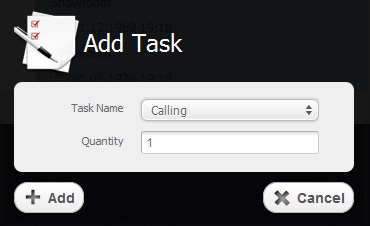
Return to topIn this table tasks which were appointed before in the "Settings" section are situated according to their priorities.
To sort data according to each column of the table, you just have to click on some column's name. If you click on the same column once again the sort direction will be changed.
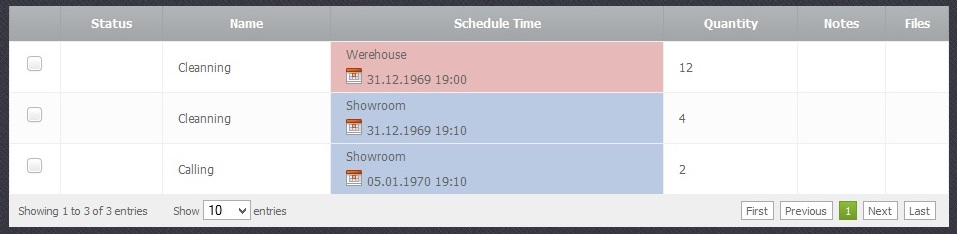
The table is divided into several columns:
- Status - Status of the task
- Name - Name of the task
- Schedule Time - Time of the concrete task according to which tasks are organized in the table.
- Quantity - Amount of the services needed to be done
- Notes - A field where you can add some additional information of your choice.
- Files - Files attached to the task.
Deleting Tasks
Return to top
To delete an existing task you have to select a chechbox  and click on "Delete Task" button that can be seen in the picture below. Please be careful, because after that you will not be able to renew the deleted task.

Auto Schedule and Schedule Time
Return to topIn this section you can create your timetable of task implementation. To do that you should select the checkbox oposite several tasks and click on "Auto Schedule" button.
In the window that appeared you should fill in the empty fields with date and time and press "Apply" button as it is shown in the picture below
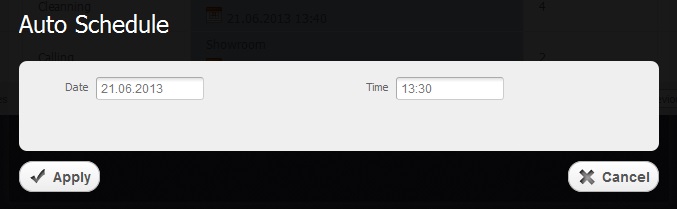
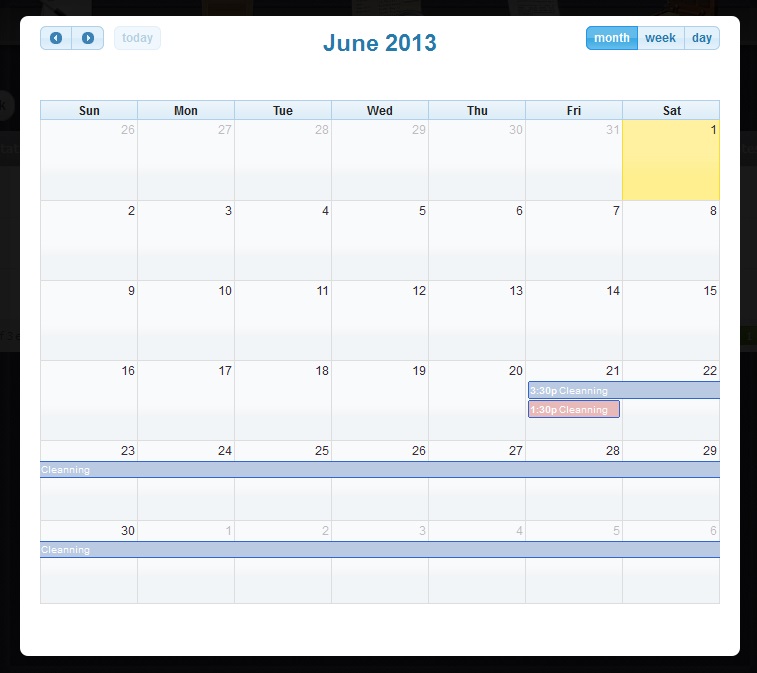
After that, when you press "Schedule Time" column, you will be able to see the tasks in a separate calendar with time and date.