
Calendar
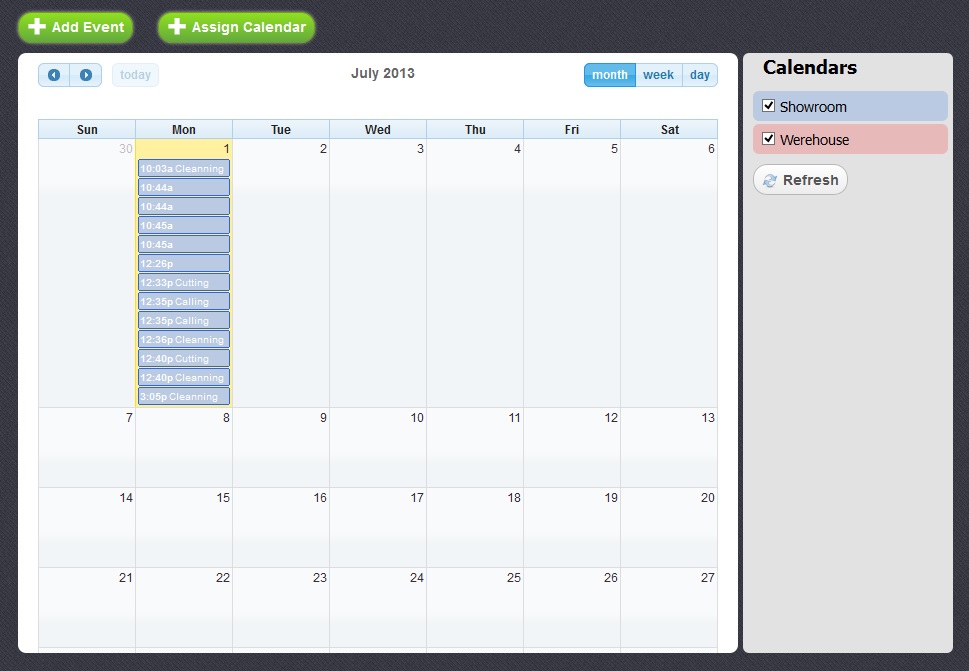
With the Calendar section you can assign individual calendars to your employees. Add and edit the list of events shown in your calendars.
Assigning Calendars
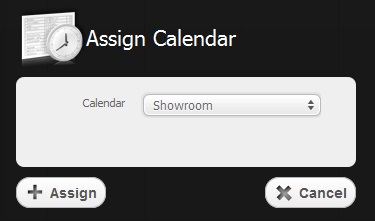
Return to topTo assign one of the calendars to a concrete employee you should select him in the list of employees before you open this menu. After that, you must click on "Assign Calendar" button, choose the calendar and press "Assign" button as it is shown on the picture below.
Adding Events
Return to top
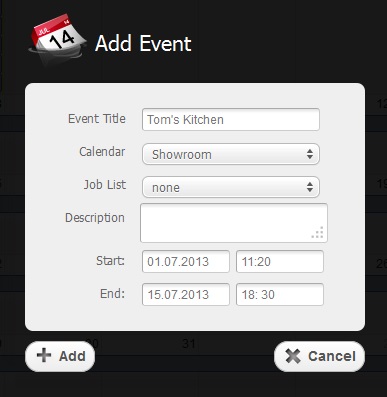
To add a new event you have to click on “Add Event” button or on any free date on the calendar.
Before you are able to see your new event you'll have to fill in the empty fields with the necessary information and click on "Apply" button as it is shown in the picture below.
Editing Events
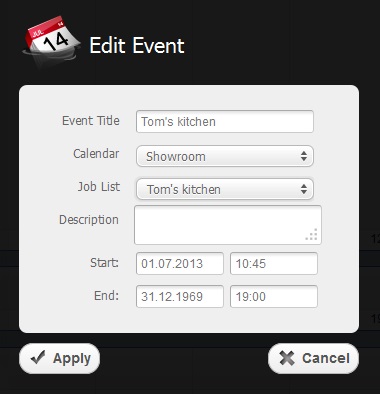
Return to topIf you want to edit some information concerning your event, you should click on it in your calendar and in the window that appears you will be able to make the necessary changes. After that, do not forget to press "Apply" button.
Managing the Calendar
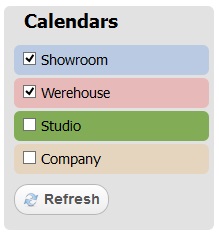
Return to topIf you wish to edit the list of existing calendars, you have to select the checkbox  opposite the calendars you want to have in the list and click on "Refresh" button.
To change the date in the calendar you should use three buttons located in the upper right corner of the calendar.
To see what events are appointed for today, you should press the corresponding button in the upper left corner of the calendar and you'll be redirected to the current day.


