Working with Labels (Tags)
With help of EasyStoneShop You can identify your slabs, tile, sinks, etc. in your stock by mobile devices like iPhone, iPad, iPod and android devices. All you have to do is to print a label and stick it on your product unit.
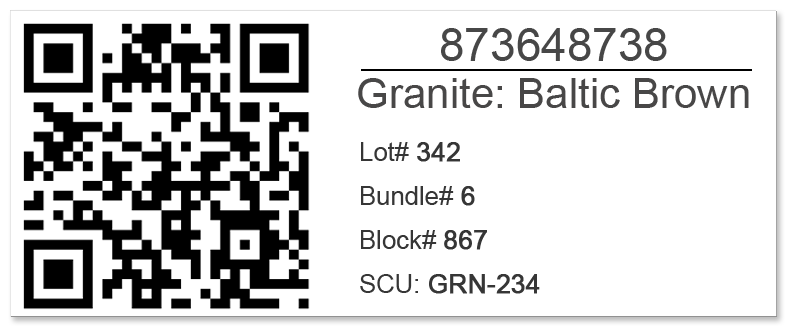
Each label contains an information block and a QR-Code. With help of the QR-Code it is possible to identify the unit.
What is a QR-Code and how to use it?
Return to topQR-Codes are like bar codes but they can contain much more information. The most awesome thing is that mobile devices like iPhone, iPad, iPod and android devices can read QR-codes. All what you have to do is to install QR-Code reading software.
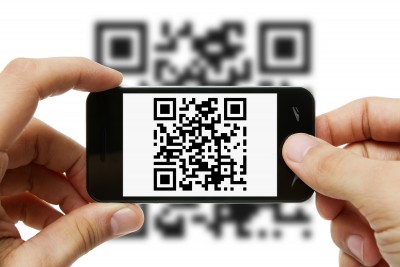
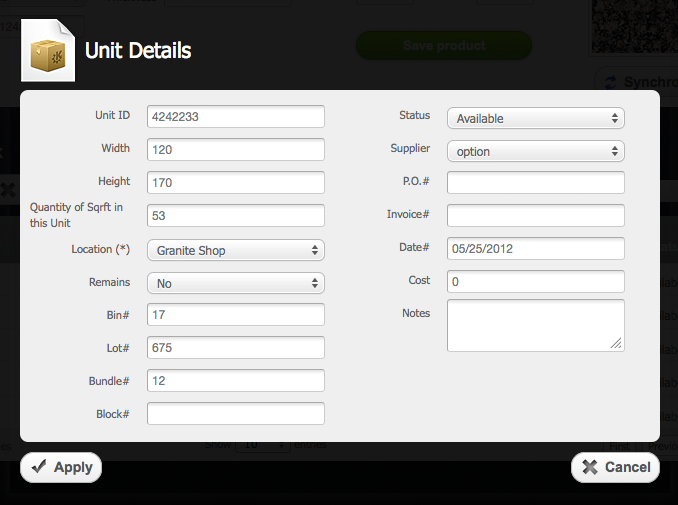
After you installed QR-Code reading software you just have to aim your device (e.g. phone) at the QR-Code and in few seconds unit details page will appear on your device. You even can edit unit details on your device and save it to a database.
Software for QR-Codes reading
Return to topFor this moment lots of programs available on the App-Store and android market.
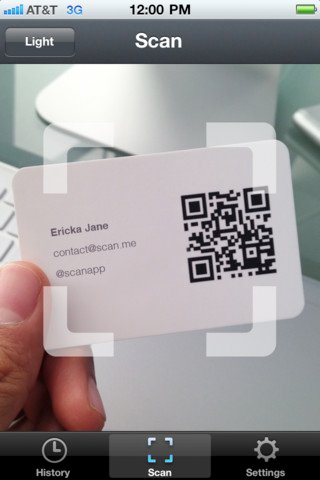
Scan (iPhone, iPod, iPad)
Scan is the fastest, simplest and most user-friendly QR-Code and barcode scanner available. If your iPhone (or iPod Touch/iPad*) came with a built-in QR-Code scanner, this would be it! Check out our site at scan.me to create and manage your own QR-Codes for free.
You can install it from here
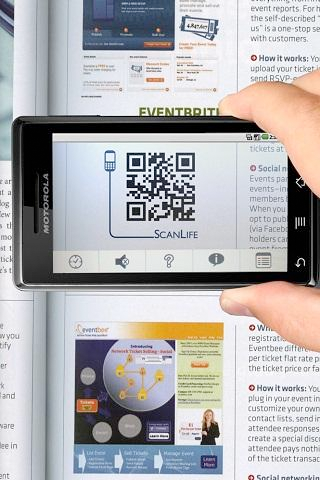
ScanLife Barcode & QR Reader (android devices)
Scan QR & UPC barcodes to launch videos, pricing, coupons & reviews in seconds. ScanLife turns your camera phone into an all-in-one QR-Code and barcode reader to help you save money and get more information from products, magazines, displays and more. You can install it from here
How to print labels
Return to topTo print labels you need to select check boxes opposite the units and then click on “Print Labels” button . After that you will be redirected to the page with labels. There you'll have to click on “Print” button. Also there you will be able to change types of the Labels.


