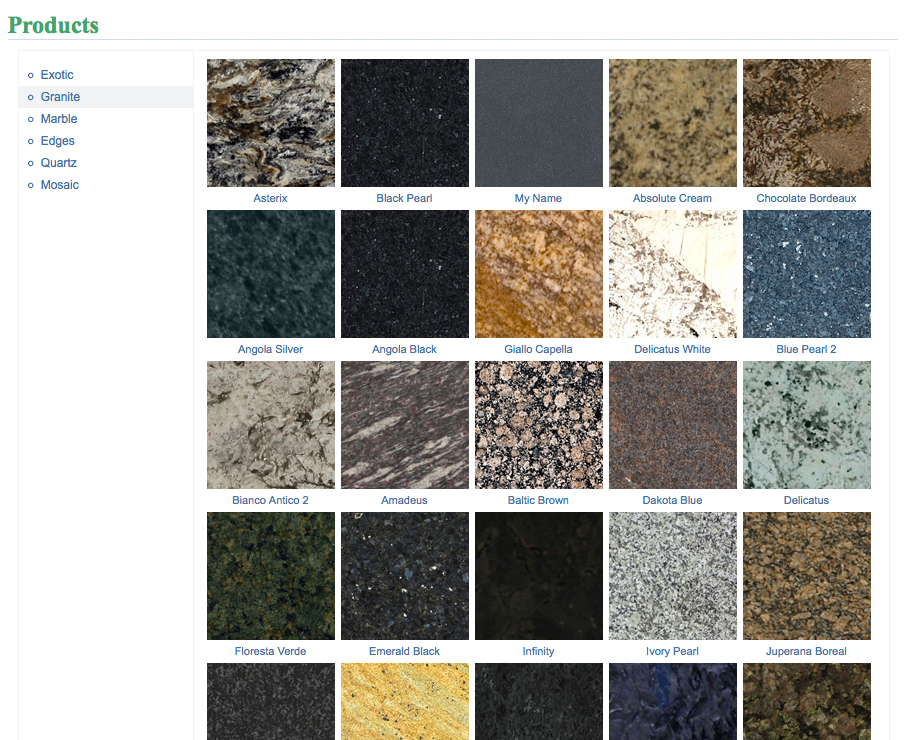
Products Gallery
It is a website application that shows products from your inventory on your website. It automatically adds products to the website gallery if you add the product to your inventory.
Adding Products
Return to topProducts will be added automatically after you add them to your inventory. See how to add products to inventory here.
Installation
Return to topProduct Gallery can be installed on any website. To install it on your website you have to click on a “Settings” button  in the Product Gallery frame, after that a “Product Gallery Settings” window will appear. If you see a ”Buy It” button
  instead of the “Settings“ button then you should click on it and buy some subscription plan, after that the “Settings” button will appear.
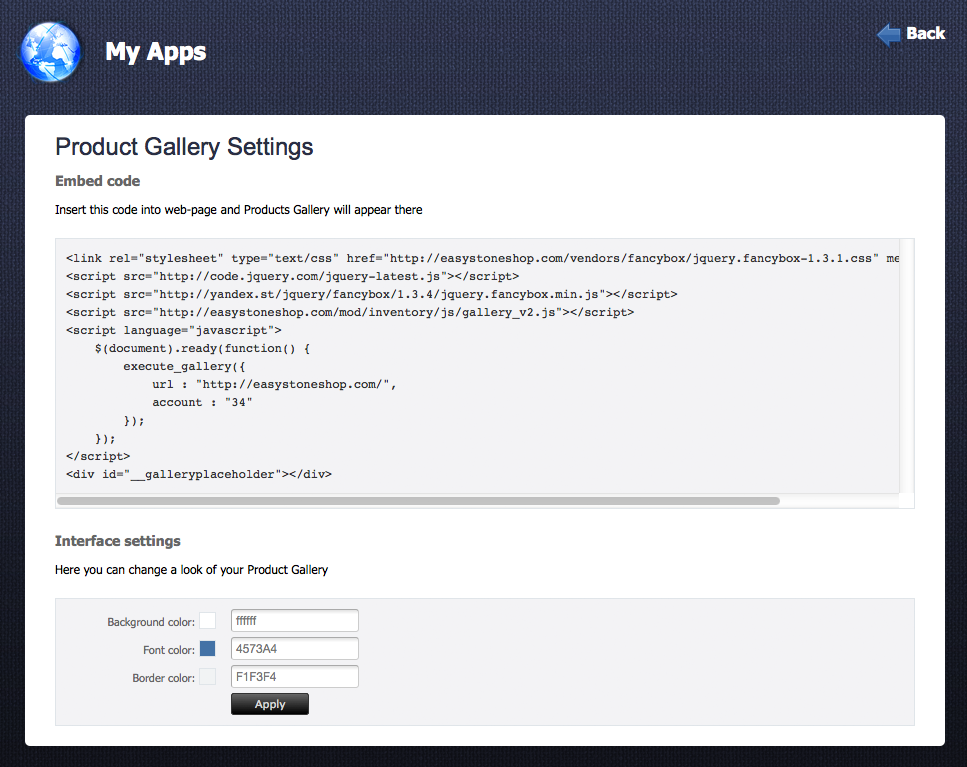
To install 3DEdges you have to copy a code from the “Embed code” field and paste it into your webpage.
Changing of Interface Skin
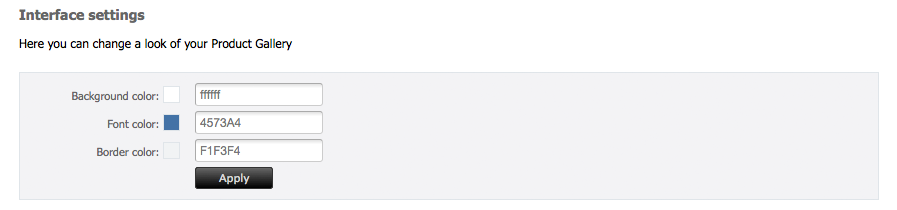
Return to topYou can create custom user interface for Product Gallery! In the setting window you can find an interface setting frame, there you can change background and font color of the Product Gallery. To save your interface customization you have to click on “Apply” button.